X-PAN Feedback Loops
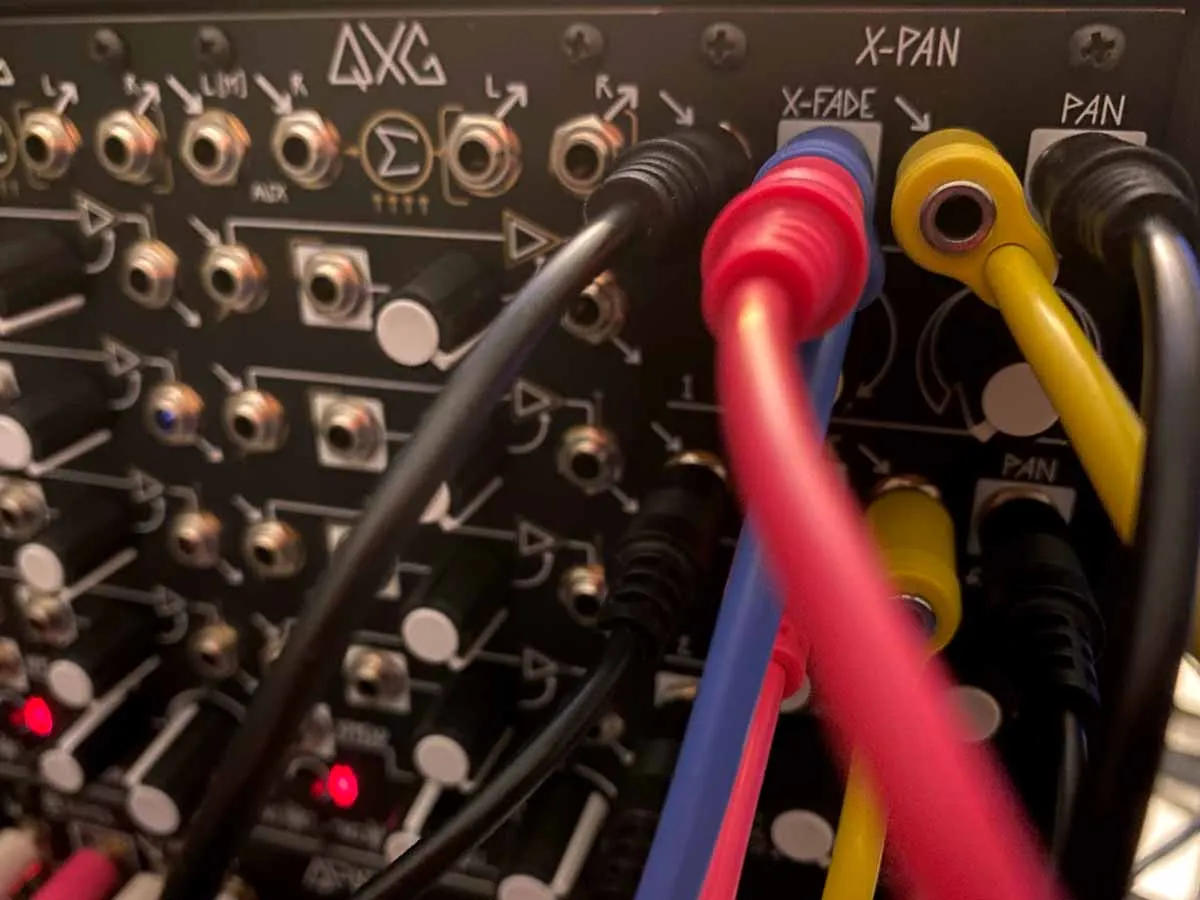
The Make Noise X-Pan is extremely useful for feedback patching since it can mix five stereo channels with CV control of the cross fading and panorama on two channels. Many of these patches are theoretically simple, but will require some careful tuning by ear to manage the feedback loops without creating that typical screeching resonance sound (when in doubt, shoot for the other species of feedback sound: weird clicking).
The X-Pan works especially well with Morphagene to route the signals in interesting ways. Individual preferences will apply, but I set Morphagene’s inop to 1 to record the input only so that I can mix in X-Pan or similar and choose the ratio myself instead of having to do it solely thru Morphagene.
Building a Multiple Feedback Path
Of course, it wouldn’t be a modular synth if there weren’t many interesting ways to patch this, but this is a useful way to begin to understand the expressive potential of feedback paths in the instrument. I will assume you are starting with something recorded into Morphagene, but this will also work with “no input” mixing style patches.
Be careful when patching feedback in the audio path: it will be loud.
- Patch Morphagene’s LEFT and RIGHT outputs to your monitoring system.
-
Patch also into X-Pan’s AUX input.
-
At this point, adjusting X-Pan’s AUX LEVEL and Morphagene’s SOS will allow you to go from complete silence with AUX LEVEL and SOS fully CCW to gnarly distortion (both knobs somewhere in the middle of their range). With SOS fully CCW and AUX LEVEL set above its minimum position, the famous screeching feedback noise will be created with “no input”.
-
Explore the differences in tone that result from different combinations of the above. I like to set Morphagene’s option cvop to 1 for the tempo synced ramp wave: it is useful to use Morphagene’s CV OUT patched to one of these controls.
-
Morphagene LEFT output → QPAS LEFT input
-
QPAS LEFT HP → X-Pan CH 1 CH A input
-
Morphagene RIGHT HP → X-Pan CH 2 CH A input
-
QPAS RIGHT HP → X-Pan CH 2 CH A input
-
X-PAN CHANNEL 1 PAN fully CCW
-
X-PAN CHANNEL 2 PAN fully CW
As you adjust the X-FADE balance between the A and B inputs, you will potentially hear the other most-common kind of feedback noise: weird droney clicks. Experiment with the entire patch at this point and observe how many more varieties and textures of noise are available. You may also get sort of trilling whistling or other surprising sounds. The QPAS settings will all make a big effect here especially resonance, cutoff and input level.
-
QPAS LEFT LP → Mimeophon LEFT input
-
QPAS RIGHT LP → Mimeophon RIGHT input
-
Mimeophon LEFT output → X-PAN CH 1 CH B input
-
Mimeophon RIGHT output → X-PAN CH 2 CH B input
Now the entire patch is a playable surface for feedback exploration. As you change any of the parameters, the effects can be drastic and even if you begin with no other input but the feedback, this patch will generate enough variety to be interesting on its own.
After playing manually for a while, you can develop ideas about which modulation schemes create the desired effects and then control those with CV. Rhythms you make in this way will take on their own shape and in time they tend to overwhelm the source material. This is especially true when re-recording the Morphagene.